Guide
Message your team and run polls
Keep club conversations in one place instead of scattered across chats.
2 min read
- 1
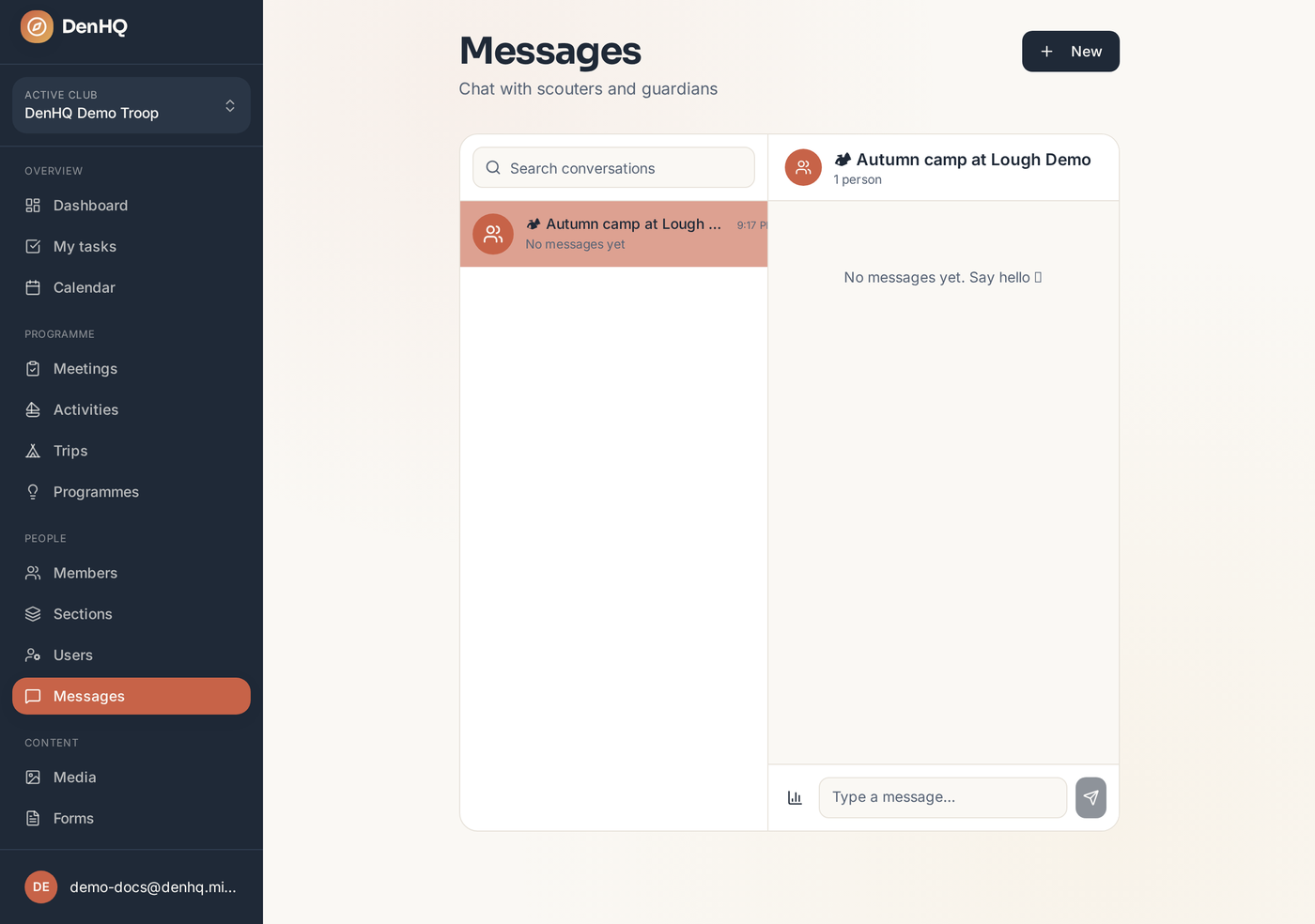
Open Messages
Start a direct message or a group thread with other scouters in your club and section.
- 2
Trips get their own thread
Publishing a trip creates a thread for everyone involved, so questions stay attached to the event.
- 3
Run a poll
Use the poll composer for quick decisions — dates, transport, who can cover a night. Results update live.