Guide
Invite scouters and approve joiners
Get the rest of your team into the club with the right access.
3 min read
- 1
Open Users
Users shows everyone with an account in the club, their roles and their sections.
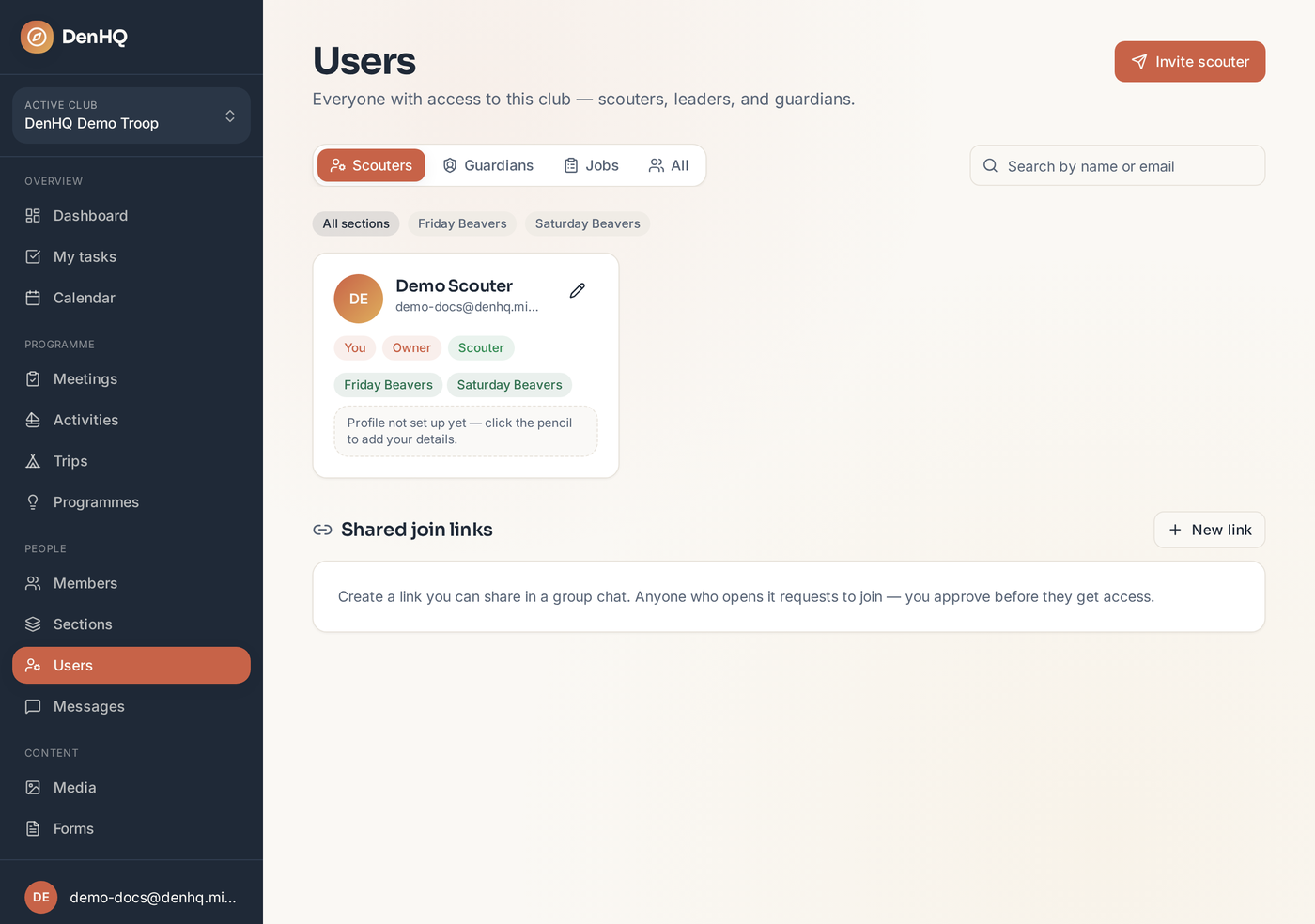
- 2
Invite someone directly
Send an email invitation with the role and section already set. They create their account from the link and land straight in your club.
- 3
Or share a join link
Create a join link for a section and share it in your leaders' chat. Anyone who uses it creates an account and lands in a queue for approval.
- 4
Approve the request
Requests appear on the Users page. Admins are emailed when someone is waiting, and the person is emailed when you approve them.