Guide
Moving up between sections
See who is ageing out of the section in the next six months.
2 min read
- 1
Open Sections
The Moving Up card lists members reaching the age limit for their section in the next six months.
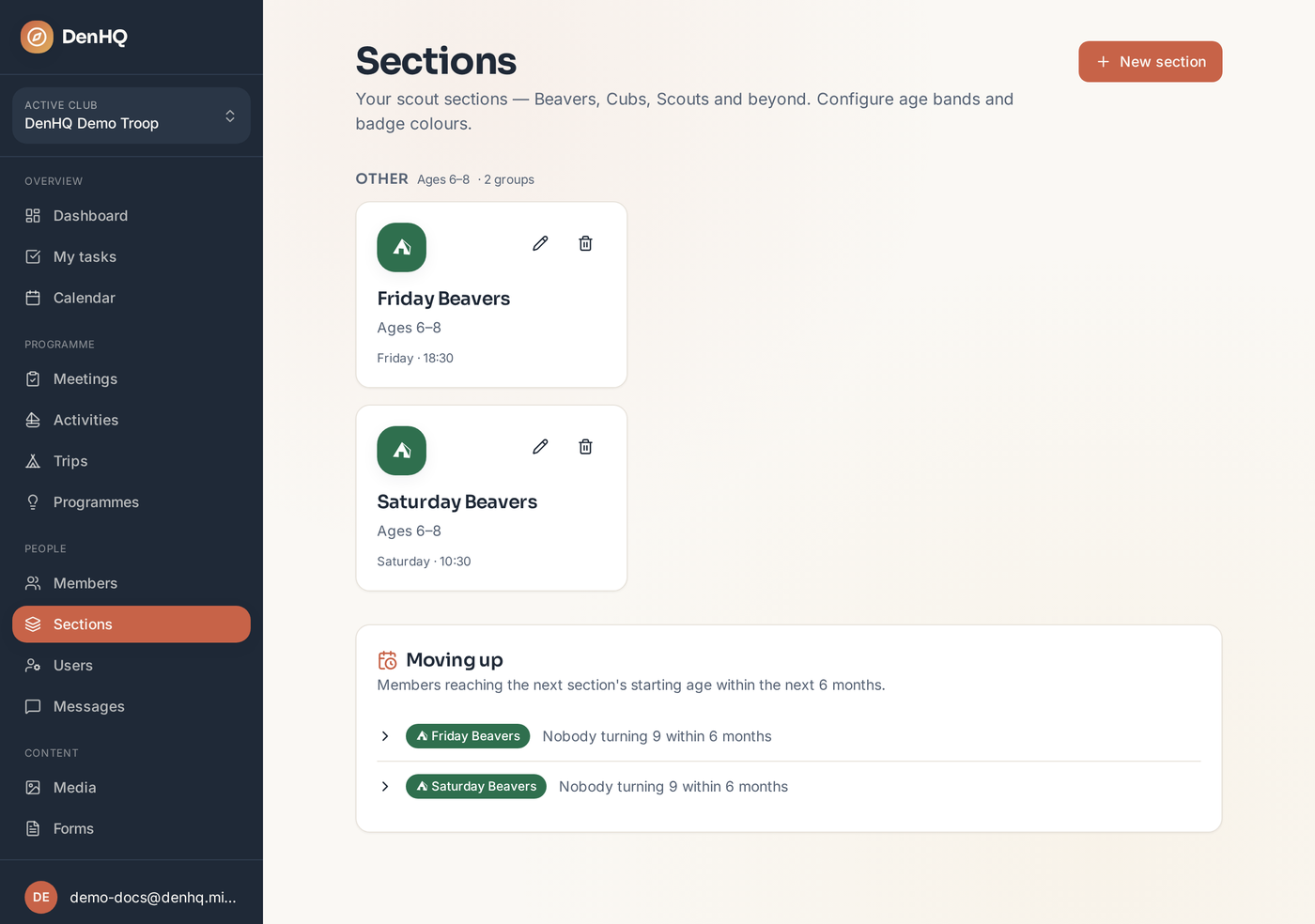
- 2
Fill in missing dates of birth
Anyone without a date of birth can't be assessed. Add the missing ones from Members and they appear straight away.
- 3
Move a member up
Choose the destination section group and move them in one tap. Their history stays with them.