Guide
Add and manage members
Keep your roll, dates of birth and guardian contacts up to date.
3 min read
- 1
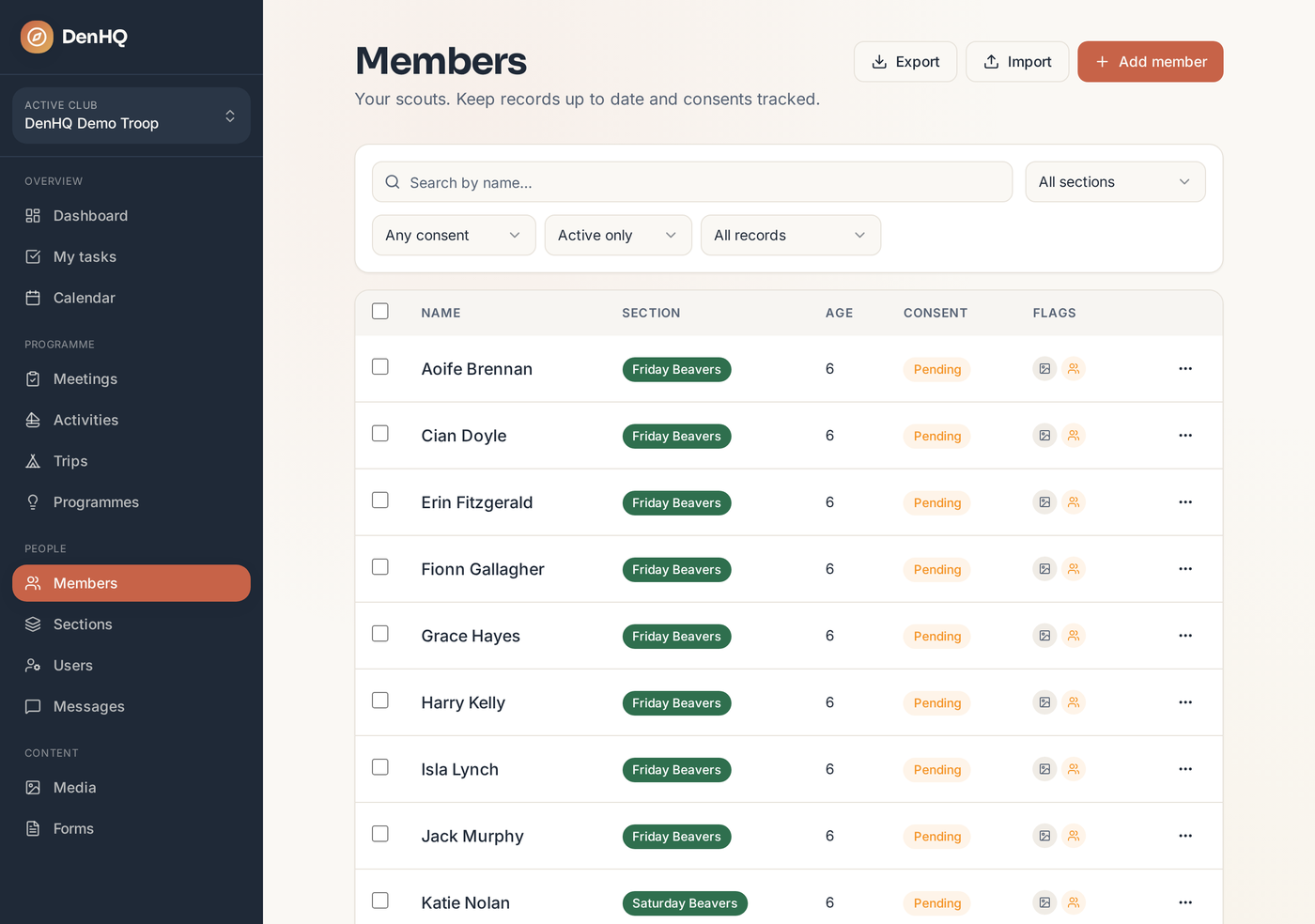
Open Members
Members lists everyone in the club, sorted by name and filterable by section group.
- 2
Add a scout
Add the name, section group and date of birth. Date of birth matters — it drives the Moving Up view.
- 3
Open a member
Each member has their own page: guardians, contact details, medical notes, attendance history and any photos they appear in.
- 4
Import a list
Bringing over an existing roll? Use the CSV import rather than typing everyone in.