Guide
Check scouts in and out
Keep an accurate, timestamped attendance record for every session.
2 min read
- 1
Open the meeting
From Meetings, tap the session you are running. The member list for that section loads automatically.
- 2
Find the scout
Use the search box to jump to a name, or use the All / Still here / Not arrived / Out filters to see who you still need.

- 3
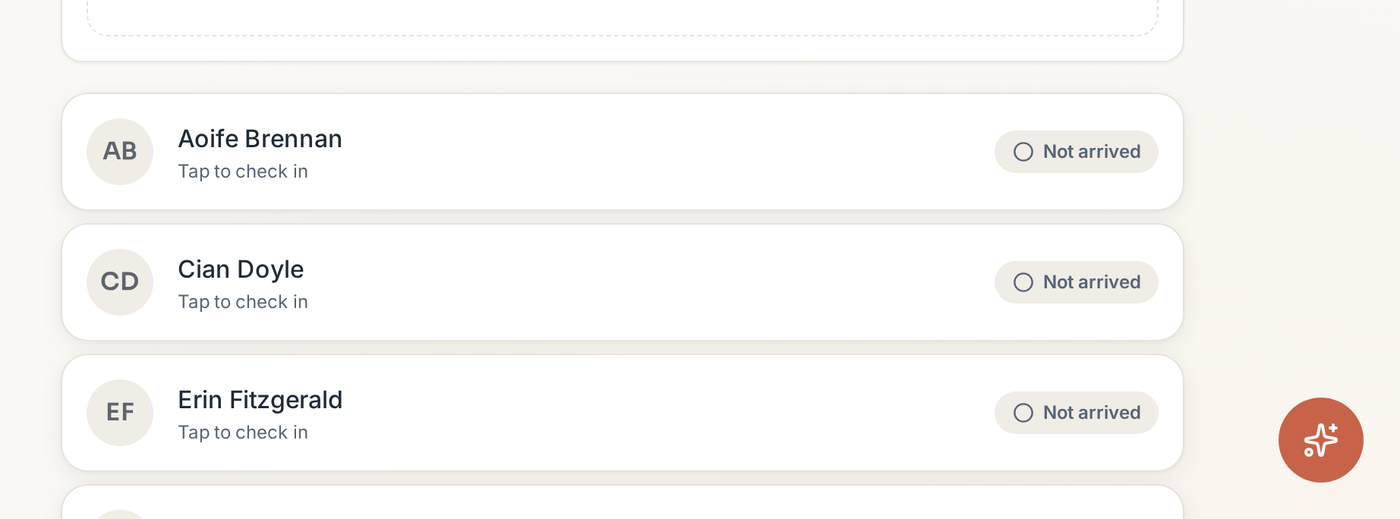
Tap to check in
Tapping a row moves the scout to Still here and stamps the arrival time. Tapping again signs them out and stamps the leaving time.
- 4
Add someone who isn't on the list
Use Add member on the meeting to add a scout on the spot — useful for a visitor or a new starter who hasn't been entered yet.