Run a normal club night
Open the meeting, work through the programme, and close it out with an accurate record of who was there.
- 1
Open Meetings
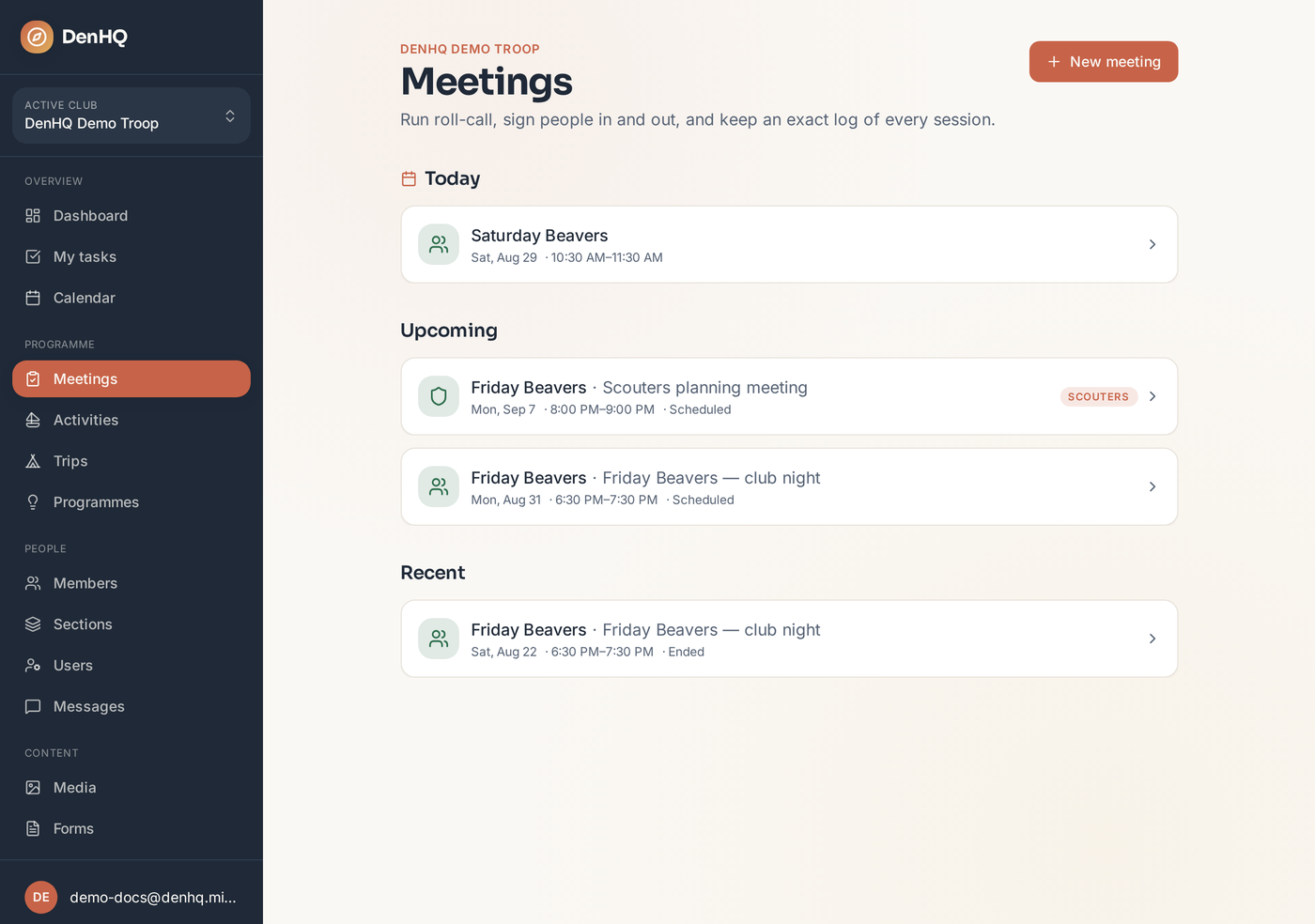
Meetings in the sidebar shows tonight's session at the top, with what's coming up and what recently ended underneath. Tap the meeting for tonight.
- 2
Check the meeting header
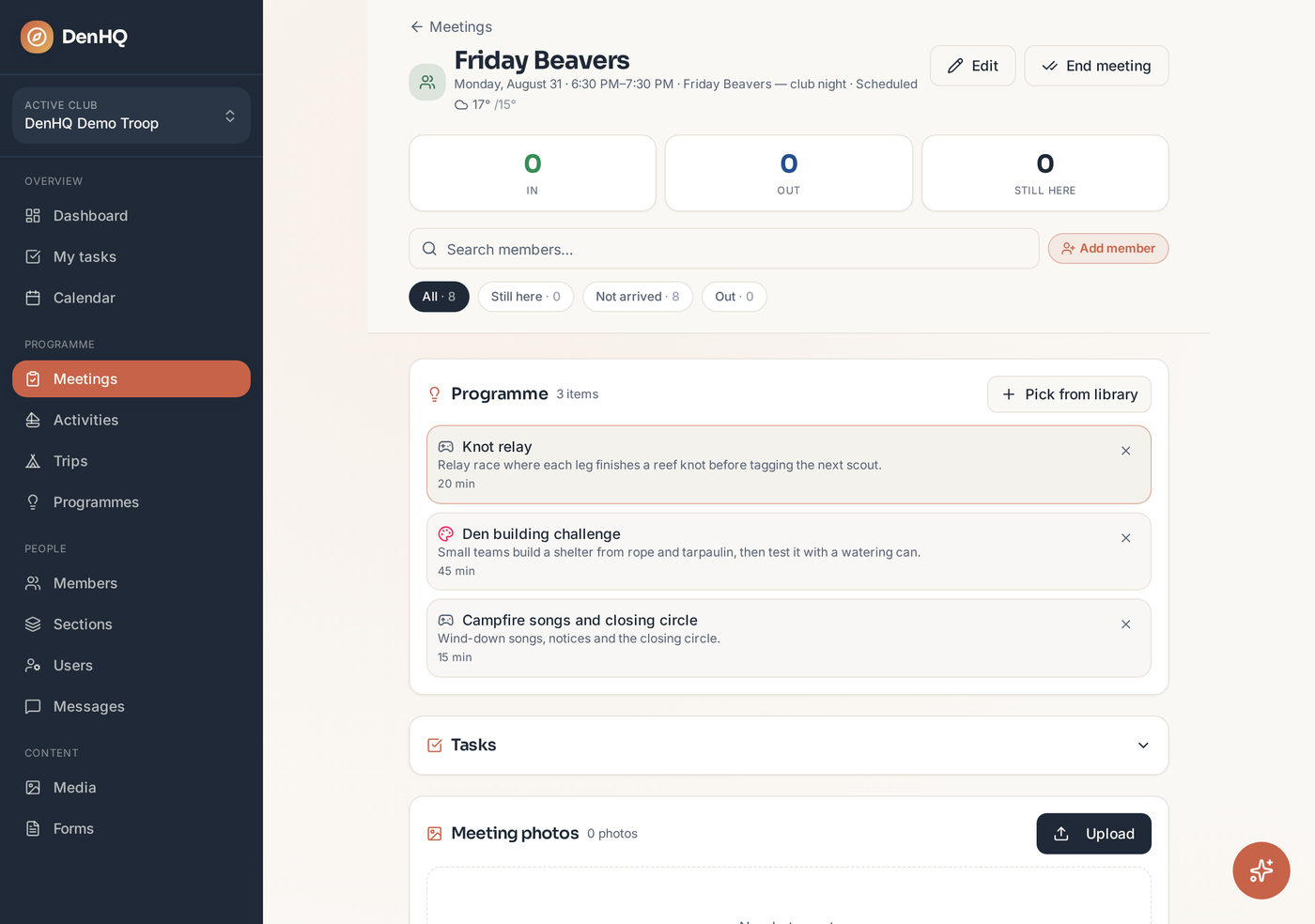
The header shows the section, time, status and the weather for the night. The three counters — In, Out and Still here — update live as you sign people in and out.
- 3
Work through the programme
The Programme card lists the activities for the night in order, with duration. Add or remove items at any point using Pick from library.
- 4
Sign the scouts in
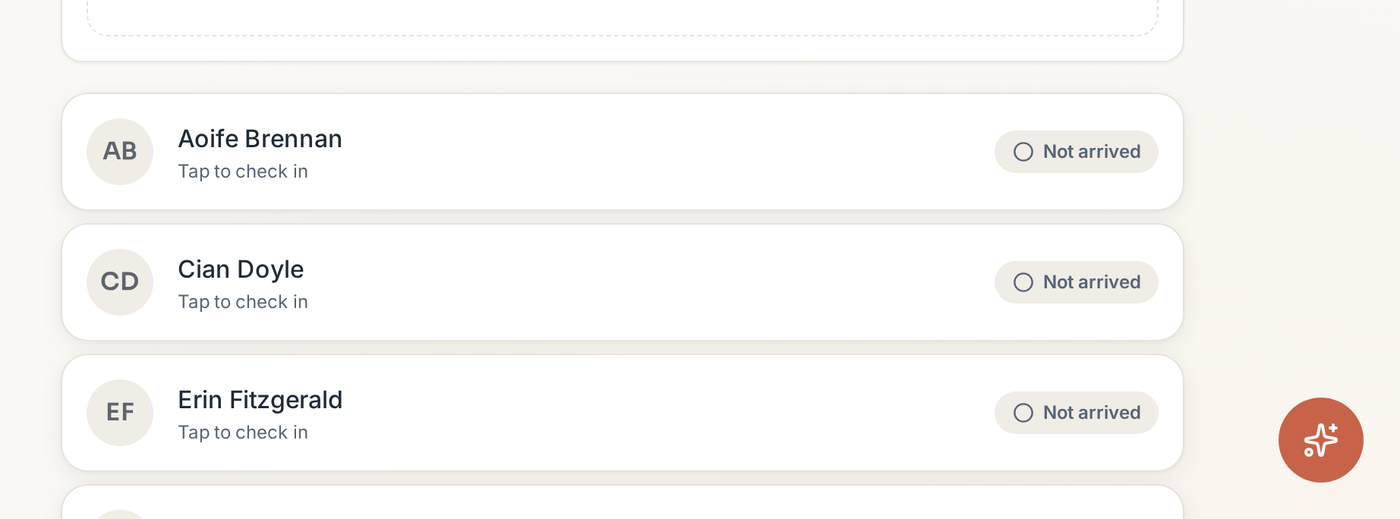
Scroll to the member list and tap a scout to check them in. Tap again when they leave so the Still here count is right at all times.
- 5
End the meeting
Tap End meeting in the header when everyone has gone. Anyone still signed in is closed out and the meeting moves to Recent.