Guide
Enable push notifications
Get alerts for meetings, messages, trip sign-ups and other updates on your phone or computer.
1 min read
- 1
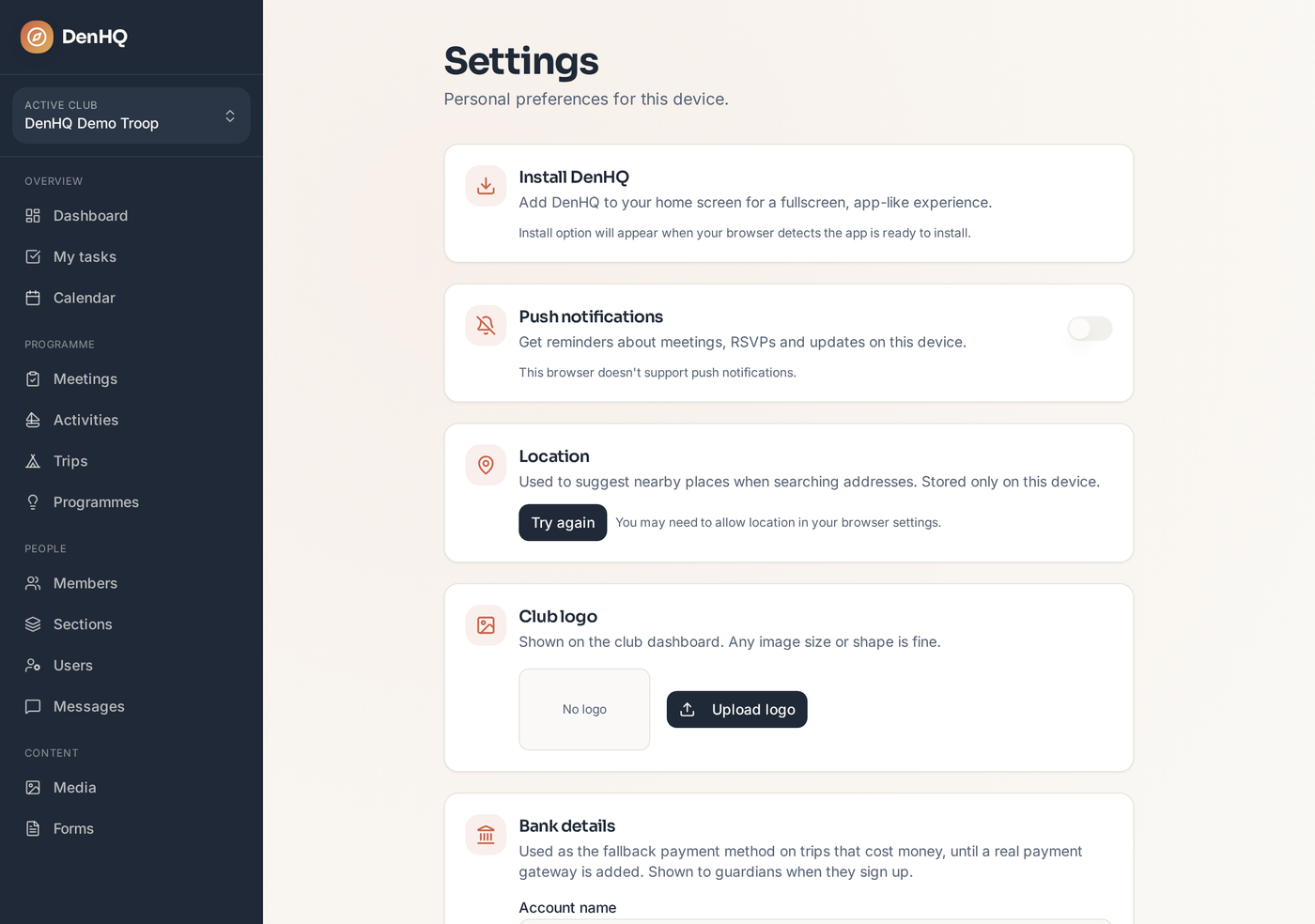
Open Settings
Tap Settings in the sidebar. The Notifications card is near the top of the page, just below Install DenHQ.
- 2
Turn on Push notifications
Find the Push notifications card and flip the toggle on. Your browser will ask for permission — choose Allow so DenHQ can send you alerts.
- 3
Check the status
When notifications are enabled, the card shows a bell icon and the toggle stays on. If you ever want to stop them, come back here and turn the toggle off.