Club settings
Set up your HQ, sections, branding, bank details and notifications.
- 1
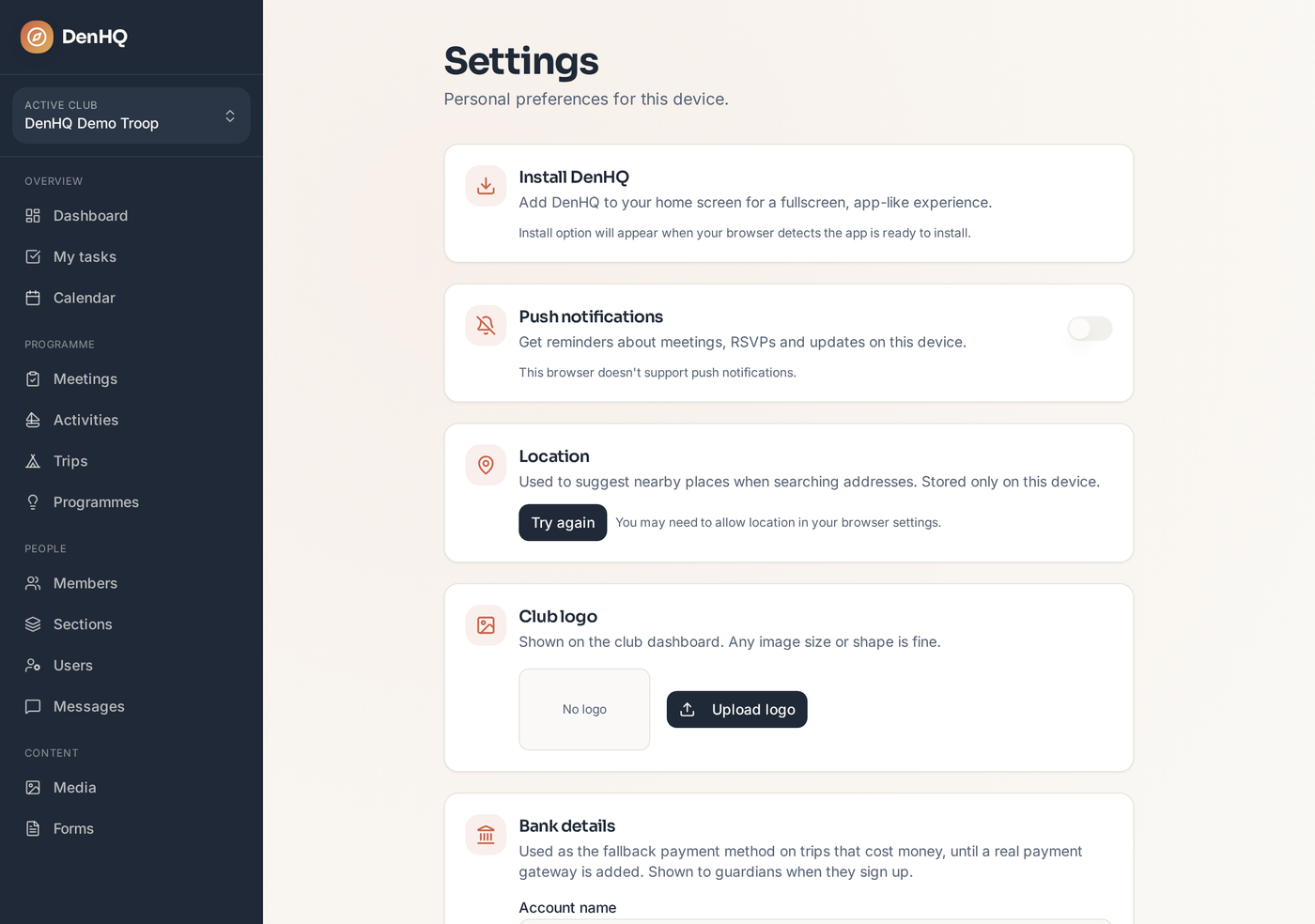
Open Settings
Settings holds everything club-wide: name, logo, HQ location, bank details, holidays, notifications and the section jobs catalogue.
- 2
Set your HQ location
The HQ address drives the weather, sunset and tide times shown on meetings, activities and the calendar.
- 3
Add bank details
Bank details are used on paid trips so guardians know exactly where to send the money and what reference to use.
- 4
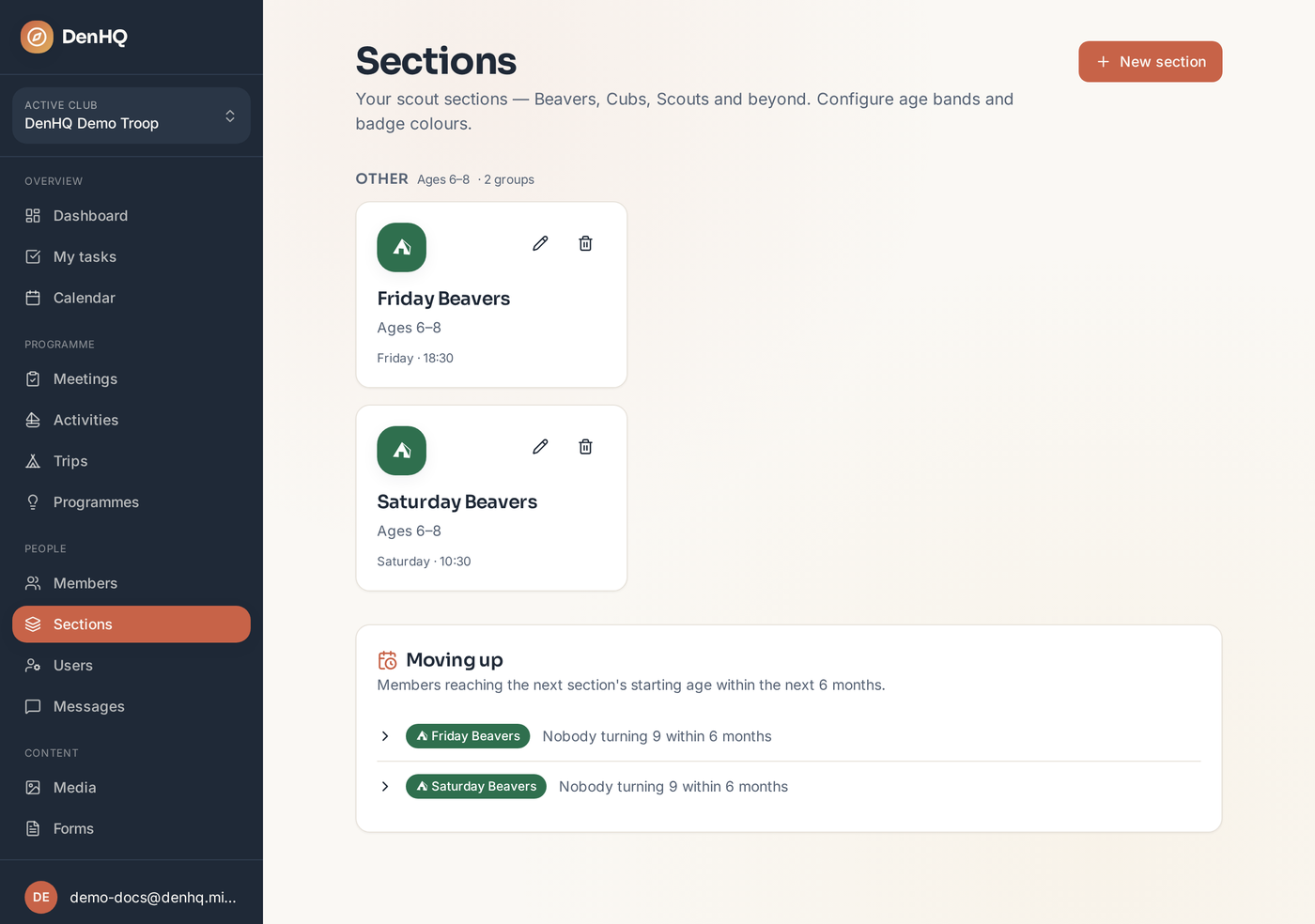
Set up your sections
Sections is where you create each section group — Friday Beavers, Saturday Beavers, Cubs and so on — with its normal night and start time.
Next up
Split the workload so it doesn't all sit with the section leader.
Block out the whole programme once, and let DenHQ create the meetings as they come around.
Get alerts for meetings, messages, trip sign-ups and other updates on your phone or computer.