Guide
Share out section jobs
Split the workload so it doesn't all sit with the section leader.
2 min read
- 1
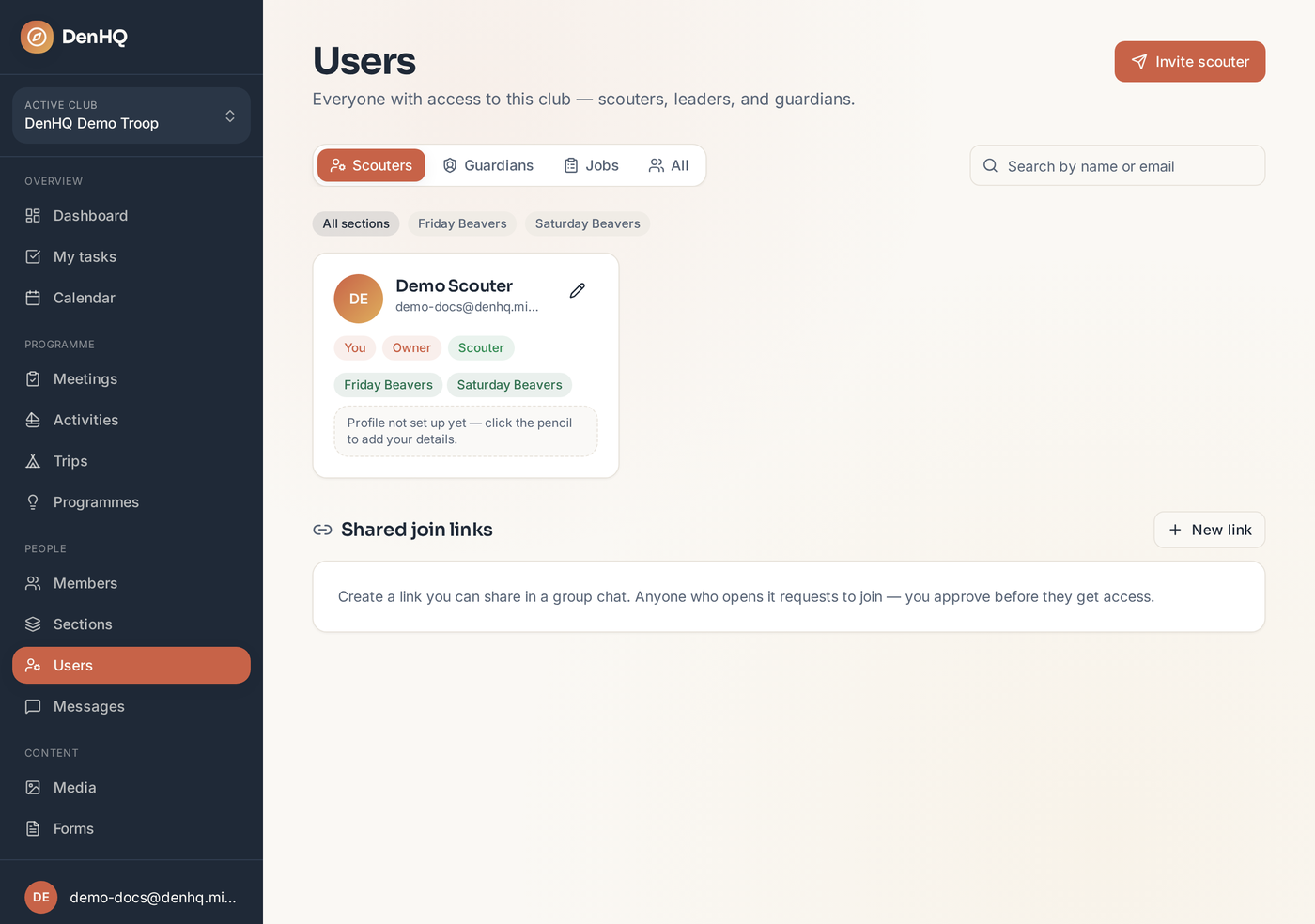
Open Users → Jobs
The Jobs tab lists every job for a section group — treasurer, badges, consent forms, quartermaster, camp coordinator and so on.
- 2
Assign a scouter
Pick the section group, then assign one or more scouters to each job. Add a note or the year it applies to if it helps.
- 3
Edit the job list
Settings → Section Jobs Catalogue is where you add, rename, reorder or remove the jobs your club uses.