Guide
Photos and media
Upload photos and keep them grouped by trip, activity or meeting.
2 min read
- 1
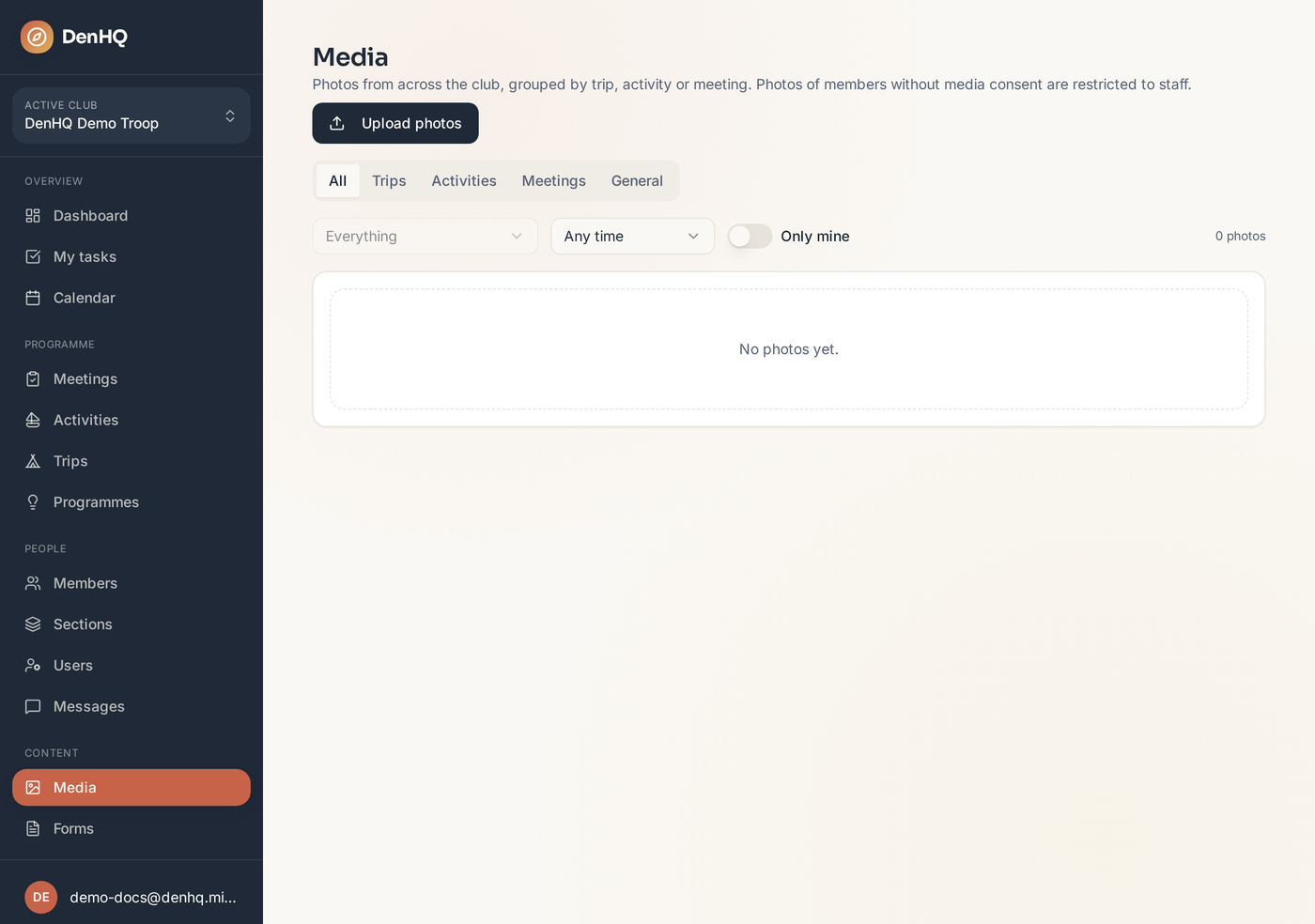
Open Media
Media groups everything by trip, activity or meeting, so last year's camp photos are easy to find.
- 2
Upload from the event
You can also upload straight from a meeting, activity or trip page — the photos are tagged to that event automatically.
- 3
Tag who's in the photo
Link members to a photo. Photos of members whose guardians have restricted photography are flagged and kept out of general view.