Guide
Pick programmes for a meeting
Choose activities from your library so everyone knows the running order.
2 min read
- 1
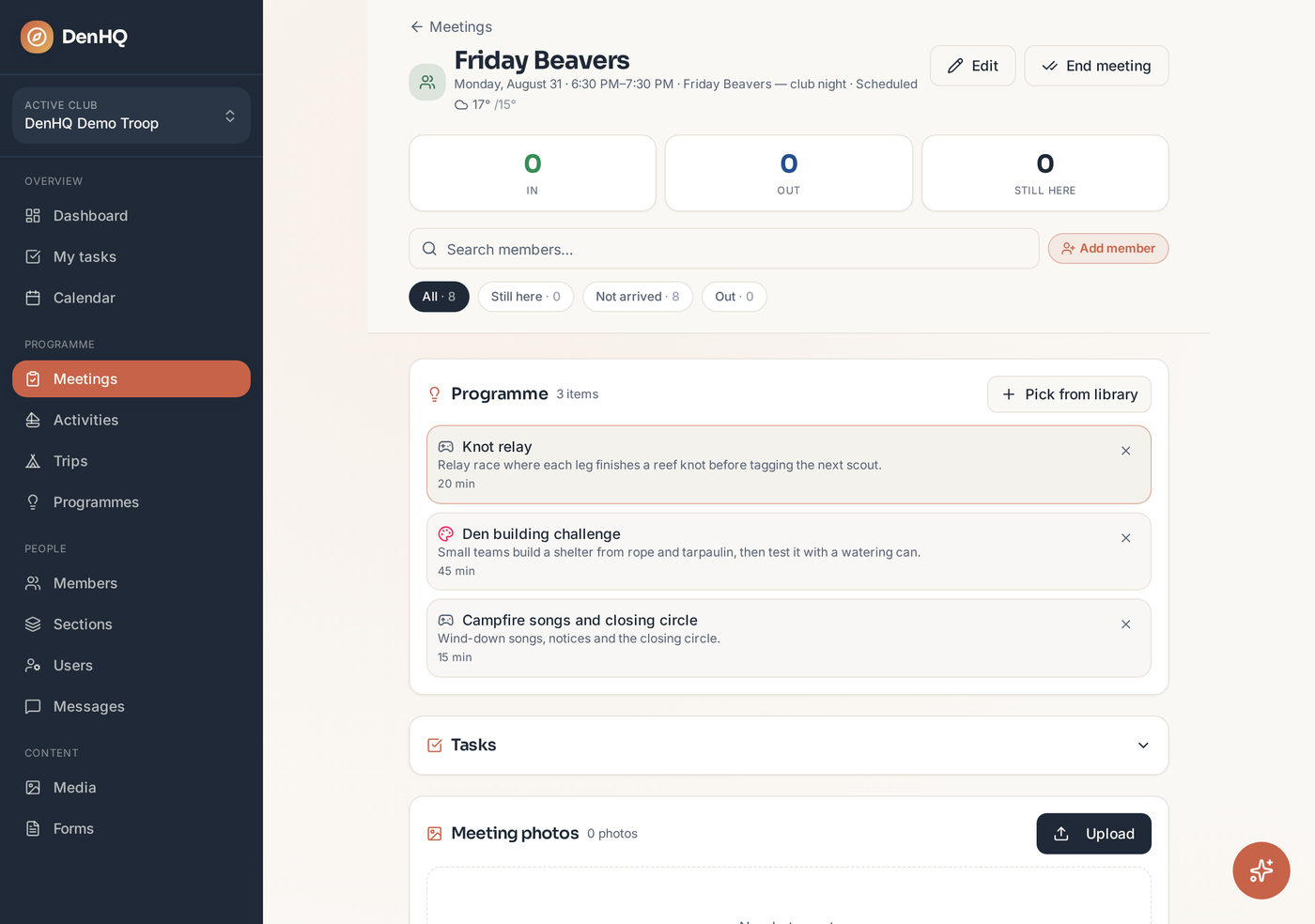
Open the Programme card
On the meeting, find the Programme card and tap Pick from library.
- 2
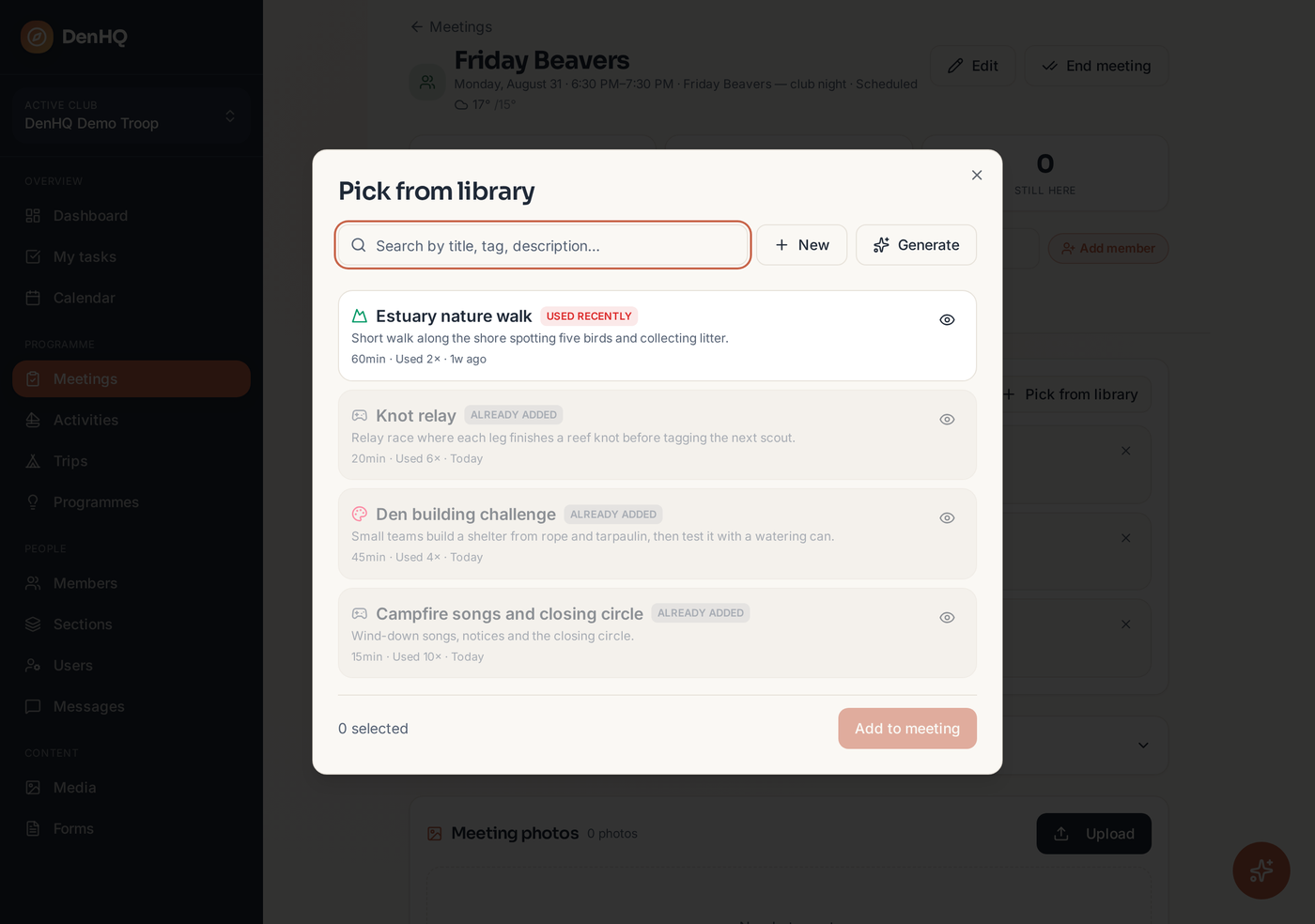
Search your library
The picker shows activities linked to this section, with how often each has been used and when it was last run. Anything used in the last month is flagged so you don't repeat yourself.
- 3
Select and add
Tap the activities you want — the counter at the bottom tracks your selection — then tap Add to meeting.
- 4
View the full plan
Tap the eye icon on any activity to read the full run sheet, or to generate one if the activity only has a short description.