Plan the year on the calendar
Block out the whole programme once, and let DenHQ create the meetings as they come around.
- 1
Open the calendar
The calendar shows meetings, trips, activities, holidays and planned nights together. Sunset and daytime high water are shown on each day, which helps for water and outdoor nights.
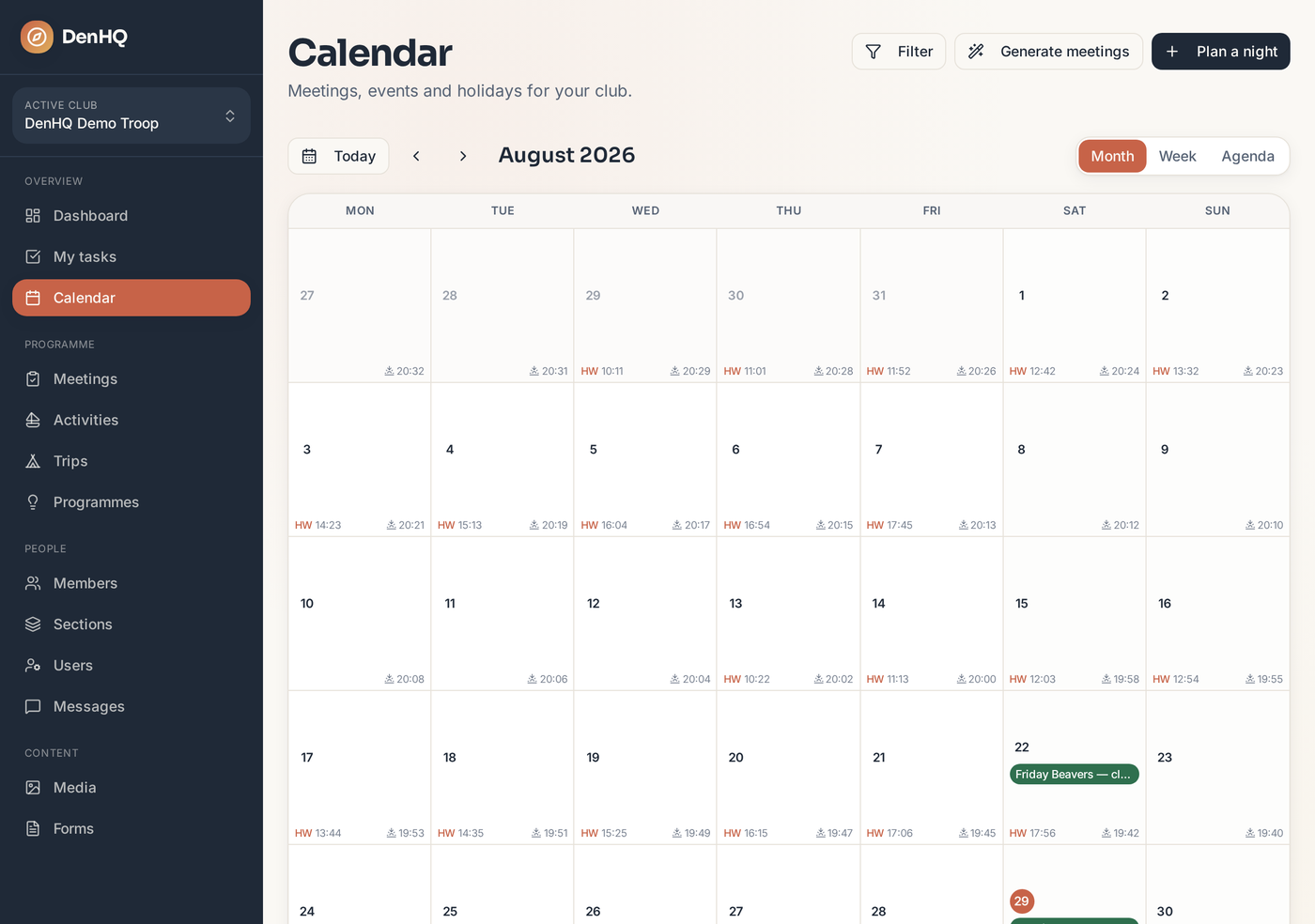
- 2
Plan a night
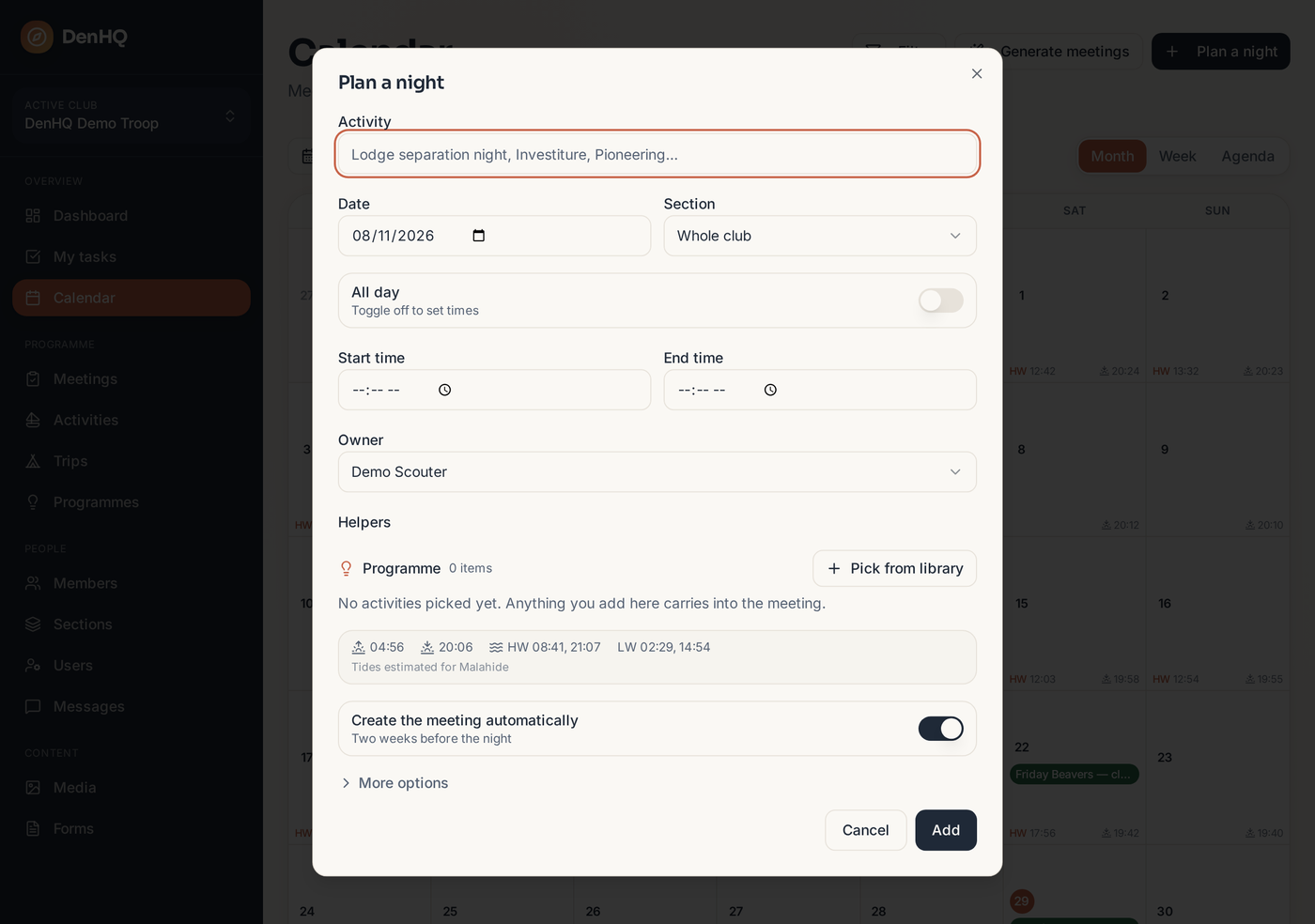
Double-click a date (or tap Plan a night) and type what you're doing. The date, section and times fill in from your section's normal club night.
- 3
Set an owner and helpers
Say who is running the night and who is helping. They carry through to the meeting when it is created.
- 4
Attach the programme now, if you know it
Use Pick from library inside the dialog. Anything you choose is copied into the generated meeting in the same order.
- 5
Leave the rest to DenHQ
With Create the meeting automatically switched on, the meeting appears about two weeks before the night — with owners, helpers and programme in place. Running it twice never creates duplicates.